
The Top Bar allows you to display a lightweight announcement banner above the header across your documentation site. It is ideal for product updates, launch announcements, promotions, or important notices.
You can fully control the text, visibility, dismiss behavior, and an optional call-to-action button.
Accessing the Top Bar Settings
Navigate to:
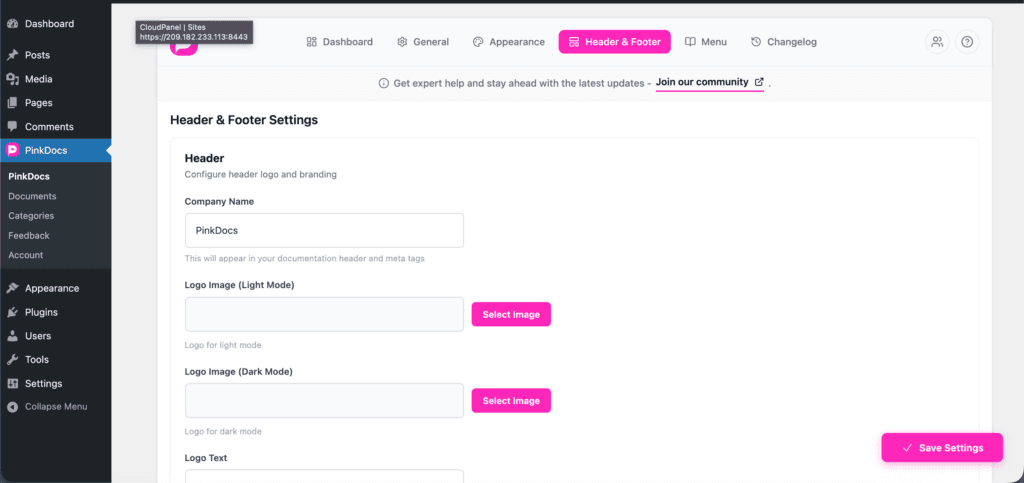
Dashboard → Header & Footer → Top Bar
Enable Top Bar
Enable Top Bar
Turn this option on to display a top bar above the header on your documentation pages.
When disabled, the top bar will not appear anywhere on the site.
Top Bar Text
Use the Top Bar Text field to define the message shown in the banner.
Supported Formatting
You can use limited HTML for emphasis:
<b>or<strong>for bold text<u>for underline<em>or<i>for italic text
Example:
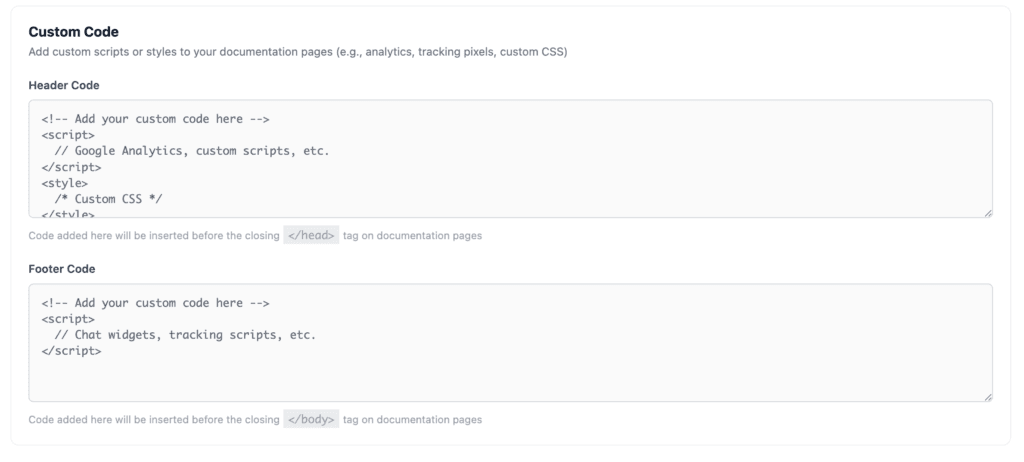
<b>🎉 Now Live:</b> Limited-time launch pricing available
This allows you to highlight key parts of the message while keeping the bar clean and readable.
Allow Users to Close
Allow Users to Close
When enabled, a close (✕) button appears on the top bar.
- Users can dismiss the top bar manually
- Once closed, it will no longer distract returning visitors
- Recommended for promotional or time-sensitive announcements
Disable this option if the message is critical and must always remain visible.
CTA Button
The CTA Button lets you add a single call-to-action button inside the top bar.
Button Label
Set the text displayed on the button
Example: Get Started, View Pricing, Read More
Button URL
Provide the destination link the button should open
Example: https://pinkdocs.com
This is useful for:
- Driving users to onboarding pages
- Highlighting product launches
- Linking to announcements or changelogs
Saving Changes
After configuring the top bar, click Save Settings to apply changes instantly across your documentation.
No page refresh or cache clearing is required.
Best Practices
- Keep the message short and clear
- Use bold text only for emphasis, not the entire message
- Enable the close button for promotional banners
- Use the CTA button sparingly to avoid clutter
- Update or disable the top bar once the announcement is no longer relevant
Summary
The Top Bar is a simple yet powerful way to communicate important information to your users without interrupting their reading experience. With support for formatting, dismiss behavior, and a CTA button, it’s perfect for announcements that matter.