

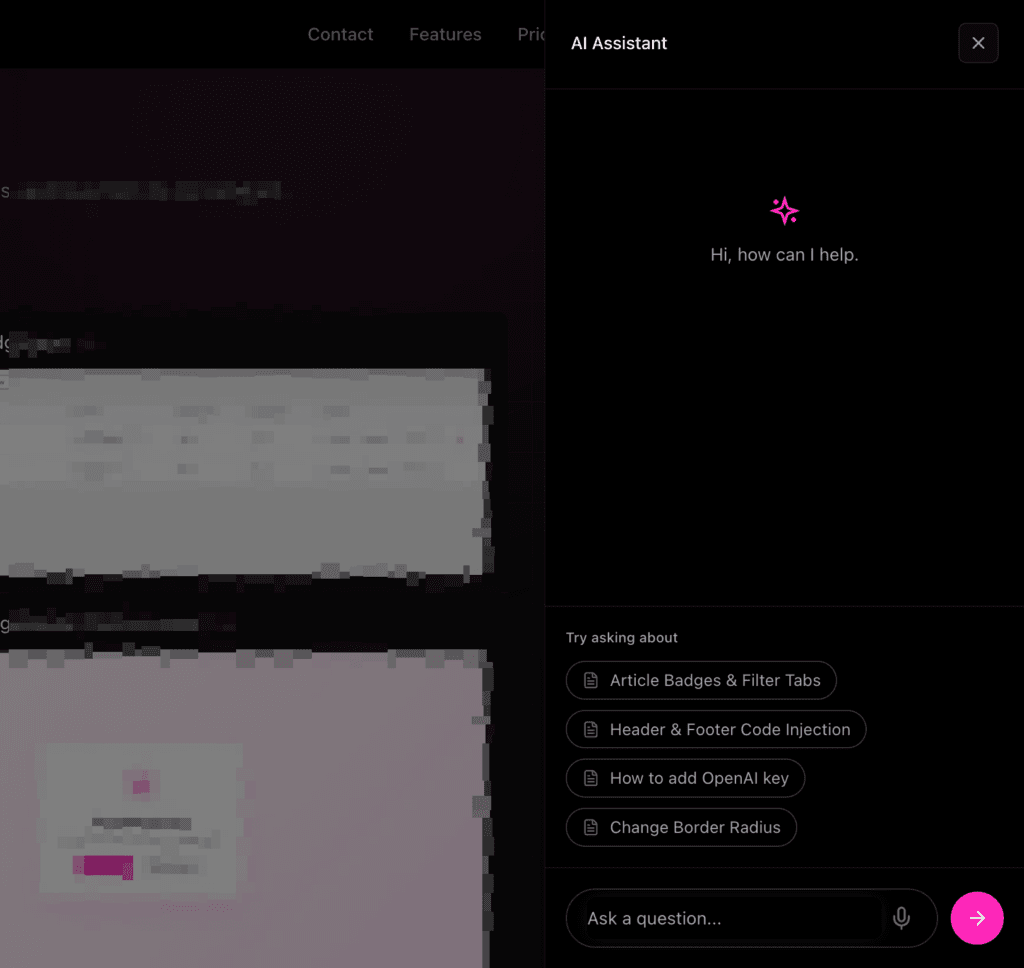
Auto-Suggestions in Ask Assistant are built to remove friction and guide users toward answers instantly, even before they know exactly what to ask.
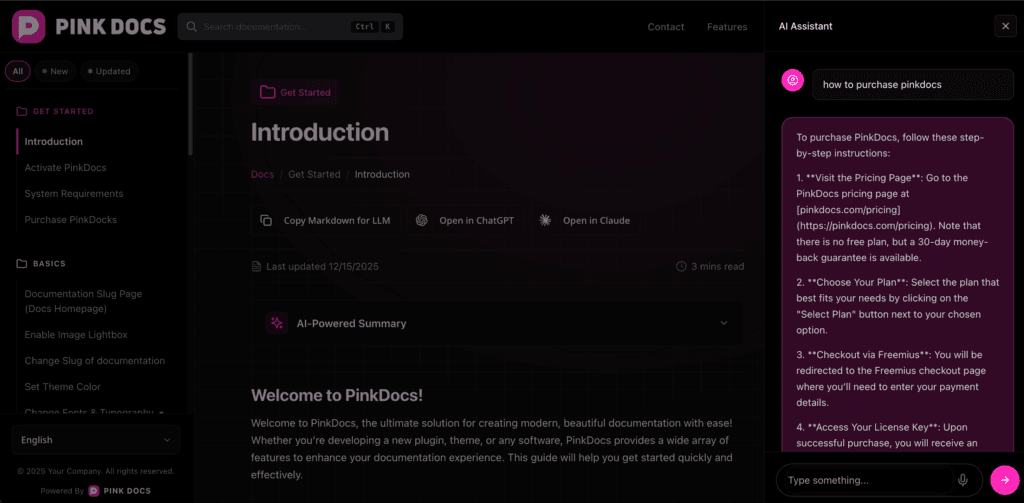
When the assistant opens, it presents intelligent, clickable suggestions that act as starting points. These are dynamically generated based on what’s most relevant in that specific environment, helping users quickly understand the kind of questions they can ask. This is especially useful for first-time users, as it eliminates the blank-state problem and encourages interaction without requiring any effort or learning curve.
As users begin typing, the auto-suggestions update in real time and adapt to their intent rather than relying only on exact keywords. This means users are gently guided toward the right query, reducing ambiguity, typos, and incomplete questions. It also helps surface the most accurate answers faster, saving time and preventing frustration.
Overall, auto-suggestions make Ask Assistant feel proactive and intuitive. They reduce repetitive questions, speed up problem resolution, and create a guided support experience that works seamlessly across different setups, content structures, and use cases.
Auto-Suggestions in Ask Assistant work out of the box with zero configuration required.
There are no settings to enable, tune, or maintain. Once Ask Assistant is active, auto-suggestions are automatically generated and shown to users in a way that feels natural and helpful. This keeps the experience simple for admins while ensuring users always see relevant starting points when they open the assistant or begin typing a question.
Because everything is handled automatically, the suggestions adapt seamlessly to each installation without any manual setup. The result is a clean, low-maintenance feature that improves discoverability, reduces friction, and helps users reach the right answers faster—without adding any complexity to your workflow.